

How money moves
EventLedger records activity on behalf of the client. Funds always sit in the client’s own bank accounts. EventLedger does not take custody, pool money, or settle through an EventLedger-owned balance.
Two different screens people mix up
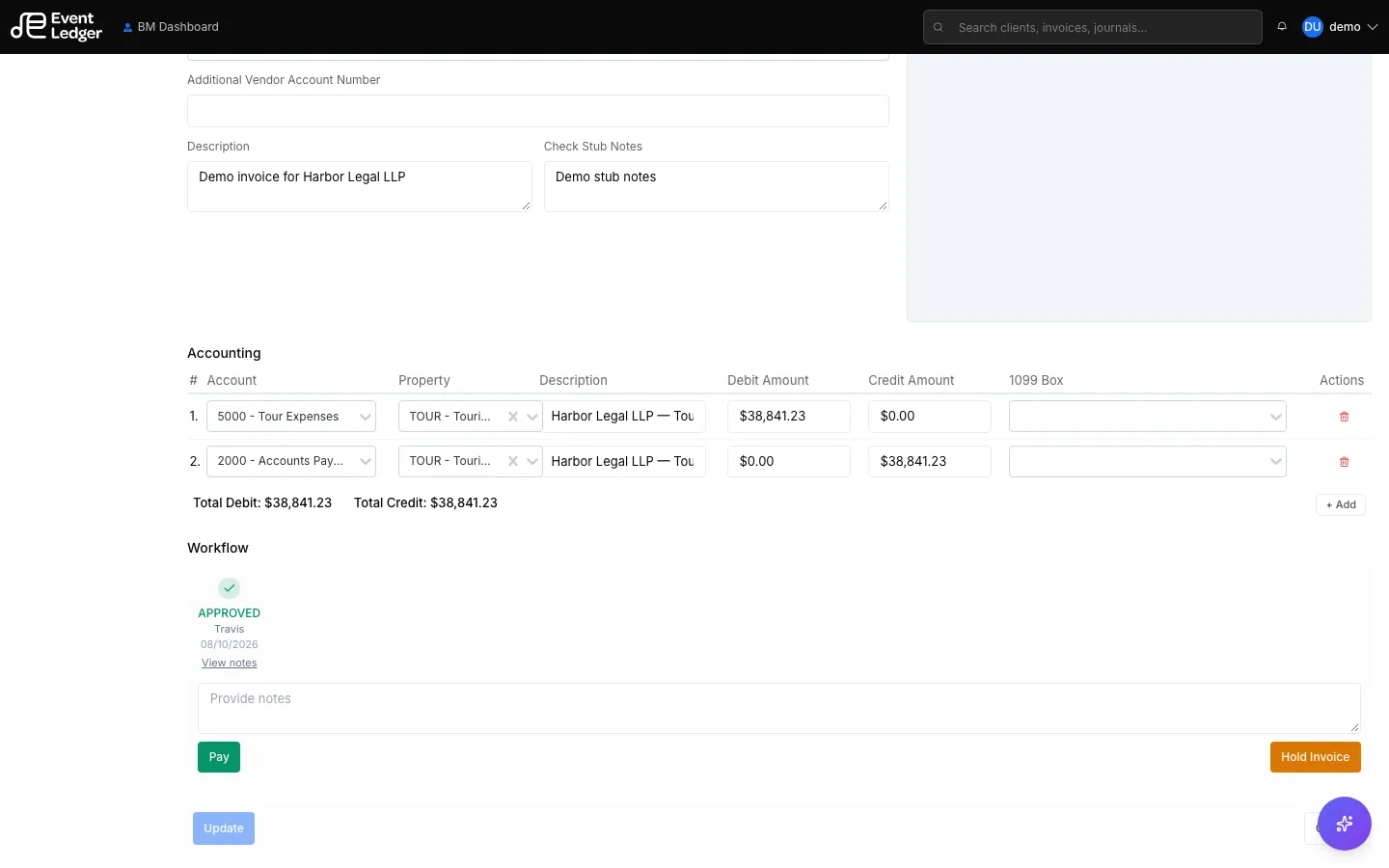
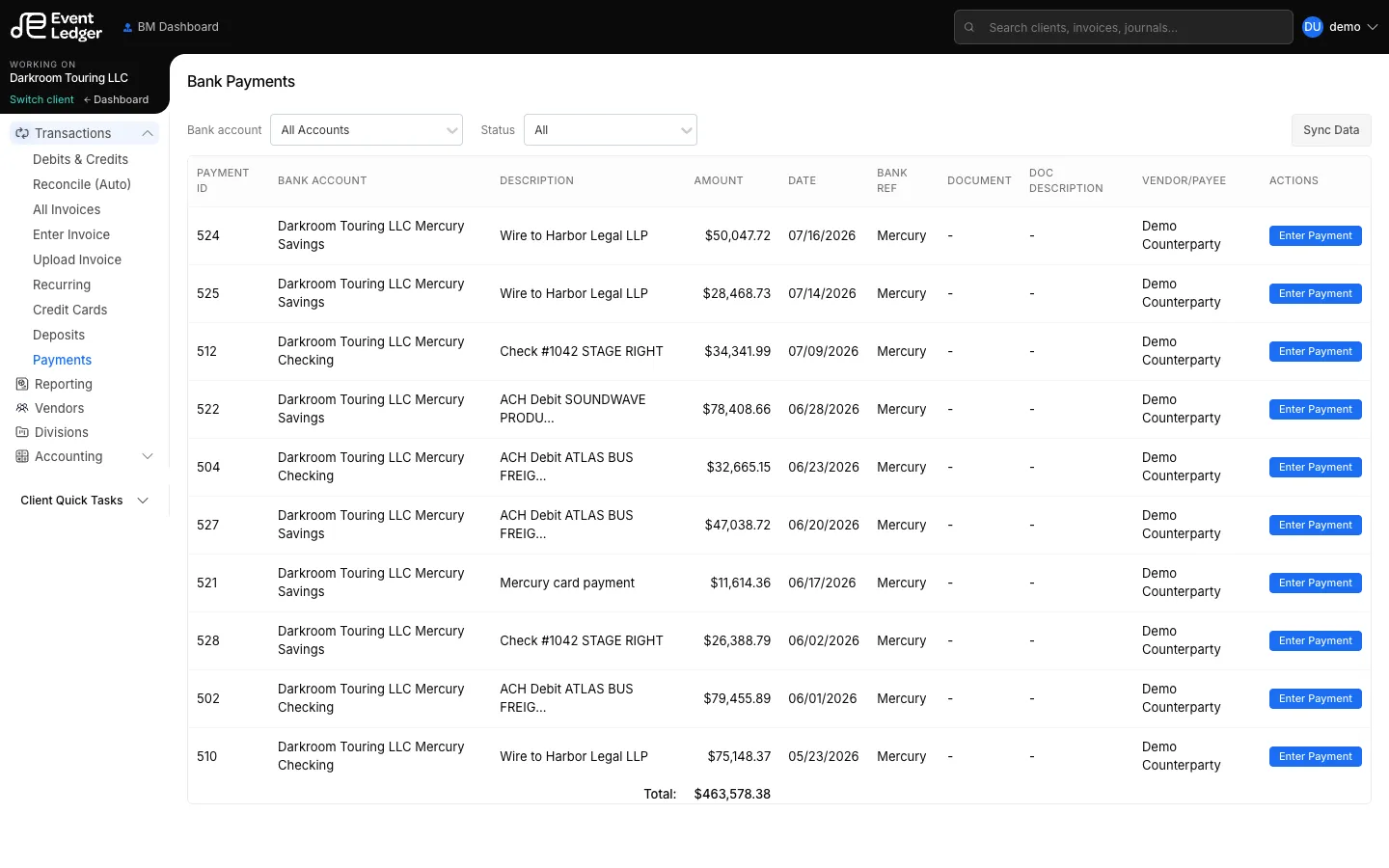
Section titled “Two different screens people mix up”| Screen | What it does | What it does not do |
|---|---|---|
| Invoice Pay | Marks the vendor bill Paid in the books | Send ACH, print a check, or fire a wire |
| Bank Payments | Codes a bank debit (usually from the Mercury feed) to a vendor and GL | Originate a new payment from EventLedger |
| Bank Deposits | Codes a bank credit / deposit document to a payor and GL | Pull money in from a promoter |
The invoice payment-method field (Automatic Debit, Check, International Wire) is how you plan to pay from the client’s account. It is not a send button.
Who can move money
Section titled “Who can move money”The client entity owns the bank account. The management firm acts as agent. Only the Business Manager (authorized signer on that account) can actually move money — in EventLedger if a send is ever added, in the bank’s treasury portal, or at a branch.
Today, nobody sends money from EventLedger. Pay and an Operations user clicking Pay only change the invoice in the books. They are not signing authority.
If EventLedger later triggers a bank instruction, dual control is two different people: an Account Manager (no signing authority) prepares the payment; the Business Manager is the only person who can send it. The same person cannot do both.
Treasury Management terms (for example Sunflower Bank) are accepted in the bank’s portal, not in EventLedger. The full split between EventLedger’s terms and the bank’s contract is in Terms of Service and bank agreements.
Mercury
Section titled “Mercury”Connected client bank accounts use Mercury as the source. Debits & Credits shows the feed; Quick sync pulls new lines. Coding those lines is how the books catch up to the bank.
Firm billing is separate
Section titled “Firm billing is separate”Settings → Billing charges the management firm for EventLedger seats. That is not client money and not an artist settlement.