

Review, approve, hold, reject, pay
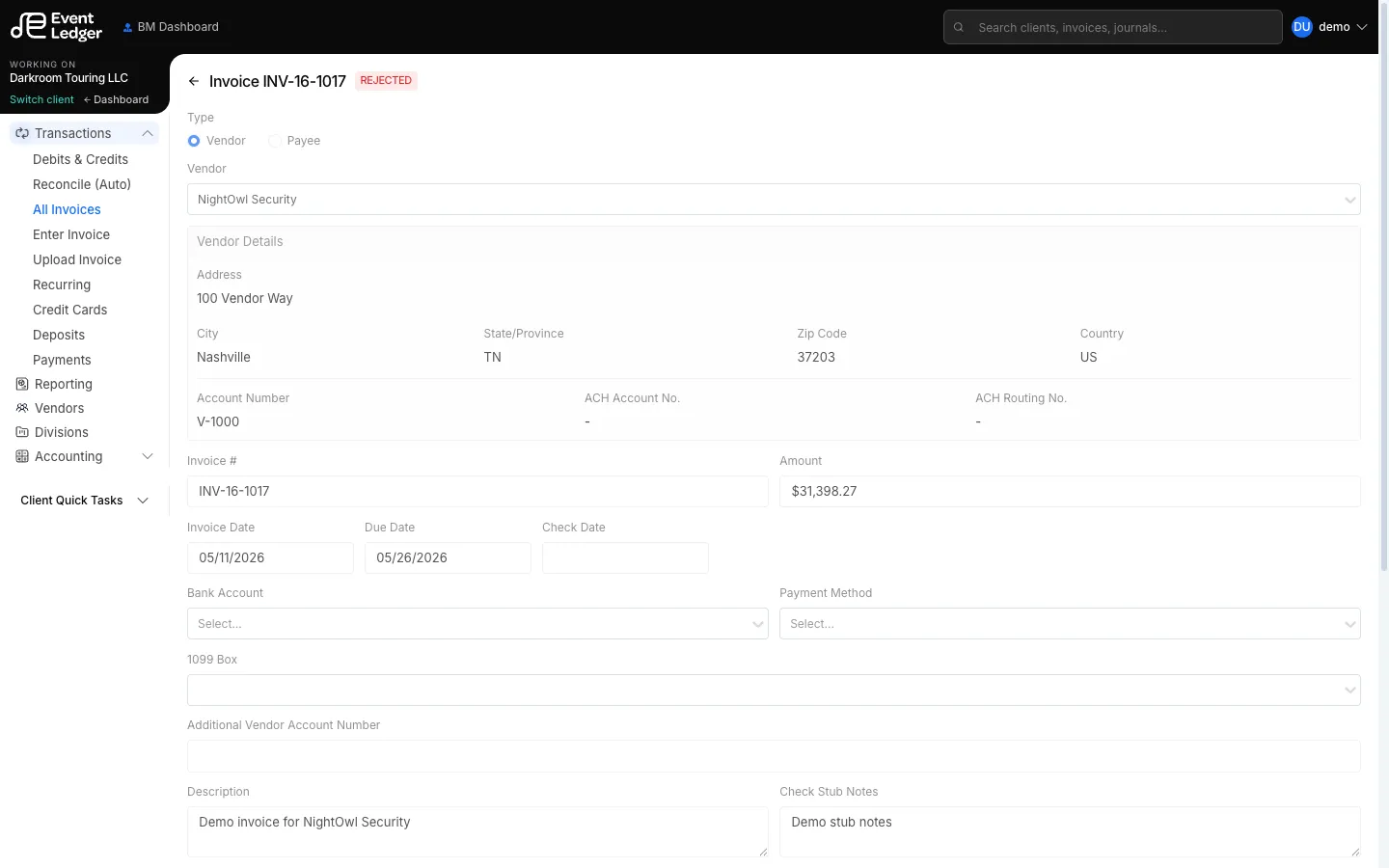
Open an invoice from All Invoices, a portfolio queue, or a dashboard task. The workflow bar shows who last moved it and when.
Forward buttons
Section titled “Forward buttons”| Current status | Button | Typical role |
|---|---|---|
| To Review | Mark invoice as reviewed | Account Manager, Business Manager |
| To Approve | Approve | Account Manager, Business Manager |
| To Release | Release | Business Manager |
| To Pay | Pay | Business Manager, Operations |
Bookkeepers can enter invoices but cannot click these buttons.
Hold and reject
Section titled “Hold and reject”Hold Invoice and Reject Invoice are available to Account Managers and Business Managers. You can add notes. Hover View notes on the history timeline to read them.
What Pay does
Section titled “What Pay does”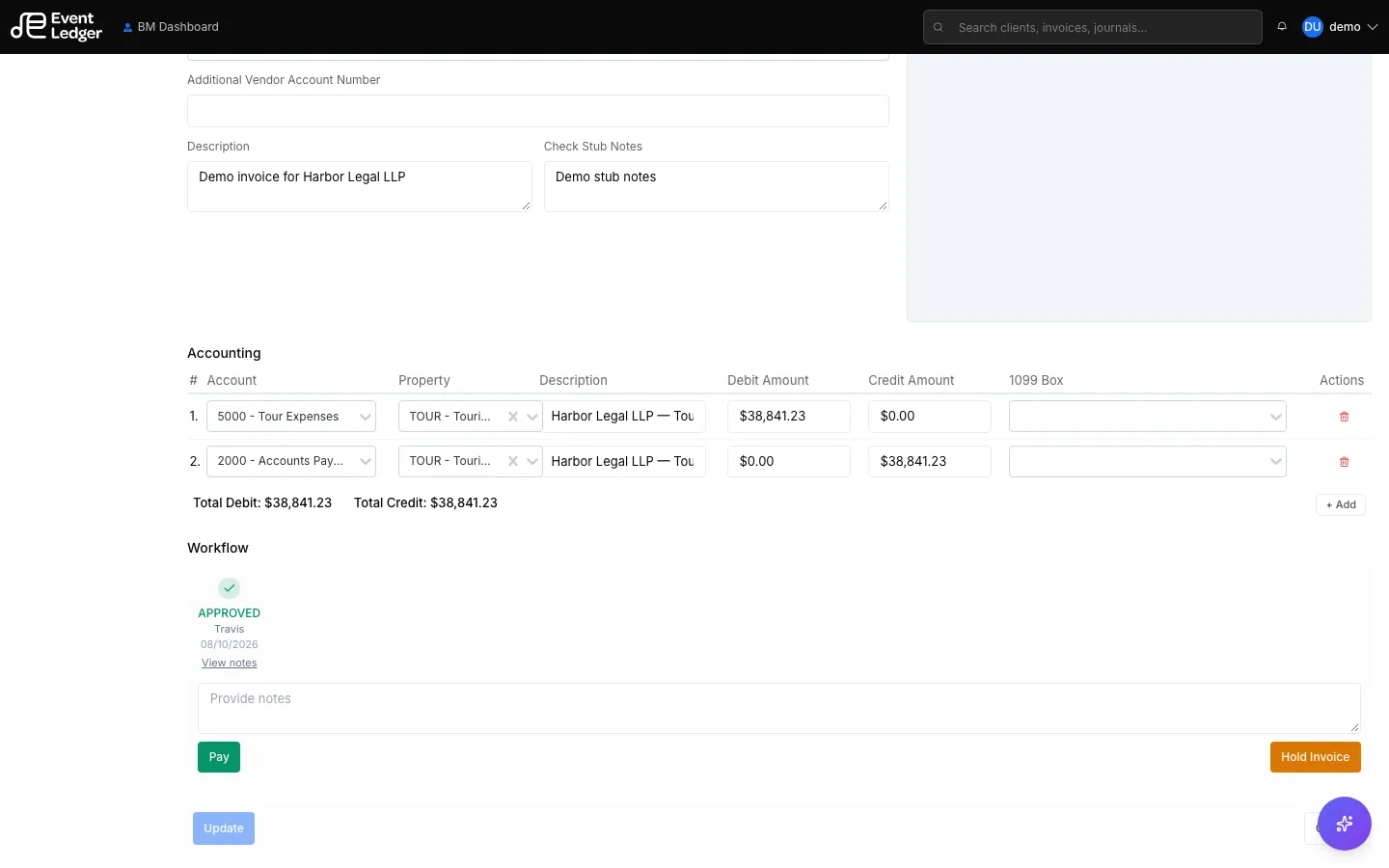
Pay marks the invoice Paid in EventLedger. It does not debit the client’s bank, print a check, or send a wire. That is true for the Business Manager and for Operations — neither click is a bank send. Only the Business Manager (authorized signer) can move money at the bank, and that does not happen from this button today.
To code a bank debit that already posted, use Bank Payments. For the product rule, see How money moves. For EventLedger vs bank contracts, see Terms of Service and bank agreements.
Portfolio queues
Section titled “Portfolio queues”The same invoices also show under Portfolio Quick Tasks (To Enter, To Review, To Approve, To Pay, To Release, Paid, Hold, Rejected) so you can work across clients. See Portfolio queues.