

Roles
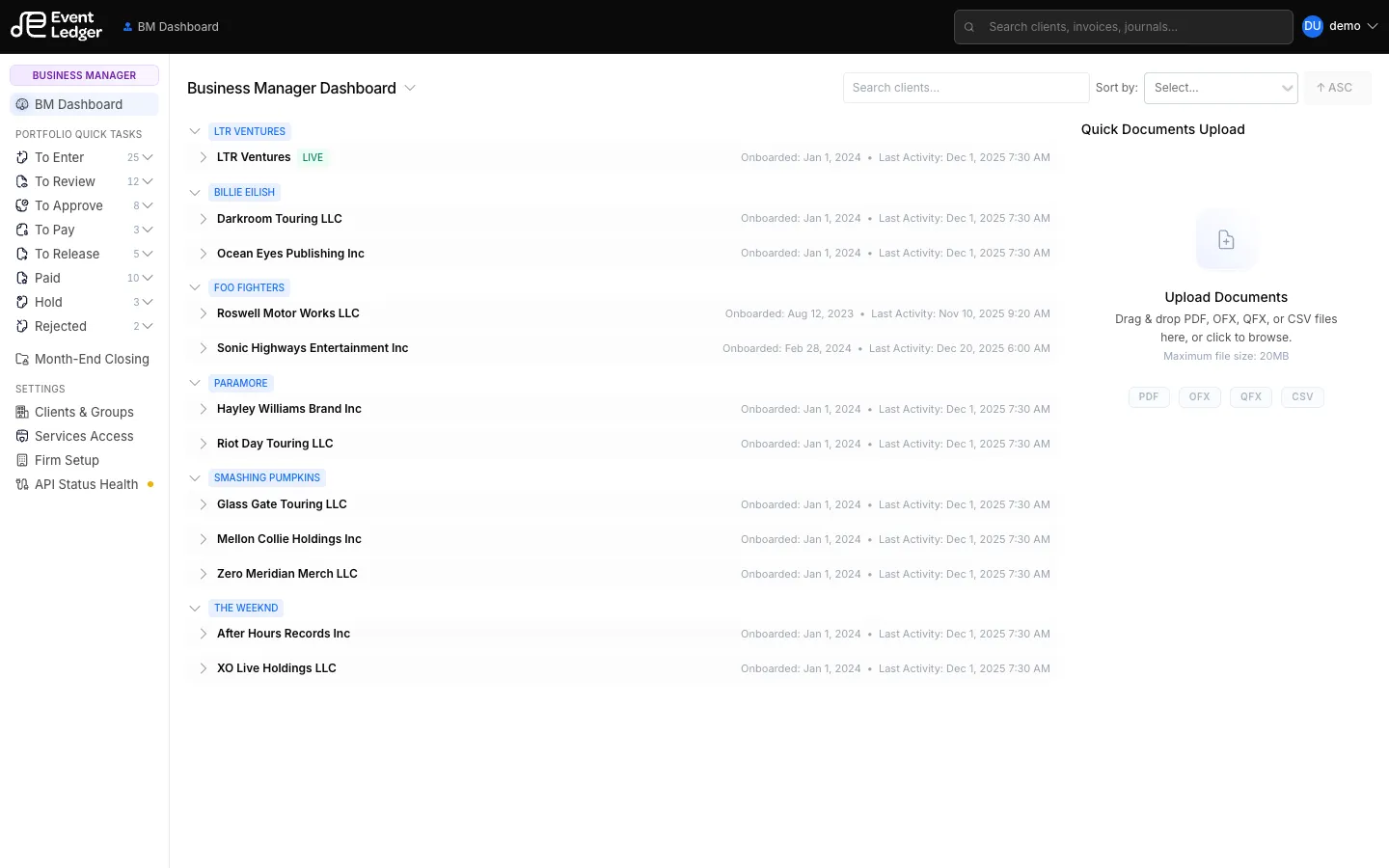
Every user on a firm has a role. The left rail and which invoice buttons you see both depend on it.
| Role in Settings | What you will see in the app | Typical work |
|---|---|---|
| Owner | Business Manager (BM Dashboard) | Firm admin, all invoice steps including Pay and Release |
| Manager | Account Manager (AM Dashboard) | Review and approve client work; no Pay / Release queues |
| Assistant | Bookkeeper (BK Dashboard) | Enter invoices, deposits, and credit cards |
| Operations | Operations | Can mark invoices Pay when they are already To Pay (books status only — not bank signing authority) |
Extra permissions
Section titled “Extra permissions”On top of role, a Business Manager can grant per-client permissions in User Permissions:
- Approve Transactions
- Void Transactions
- Export Data
The firm owner (super user) always has every permission.
Invoice workflow by role
Section titled “Invoice workflow by role”- Bookkeeper — enter and code; cannot advance the invoice
- Account Manager — Mark invoice as reviewed, Approve, Hold Invoice, Reject Invoice
- Business Manager — every step, including Release and Pay. The BM is also the authorized signer if money is ever moved at the bank.
- Operations — Pay when the invoice is To Pay (books only; Operations is not a bank signer)
Details: Invoice workflow. Bank signing authority vs EventLedger roles: Terms of Service and bank agreements.