

Upload documents
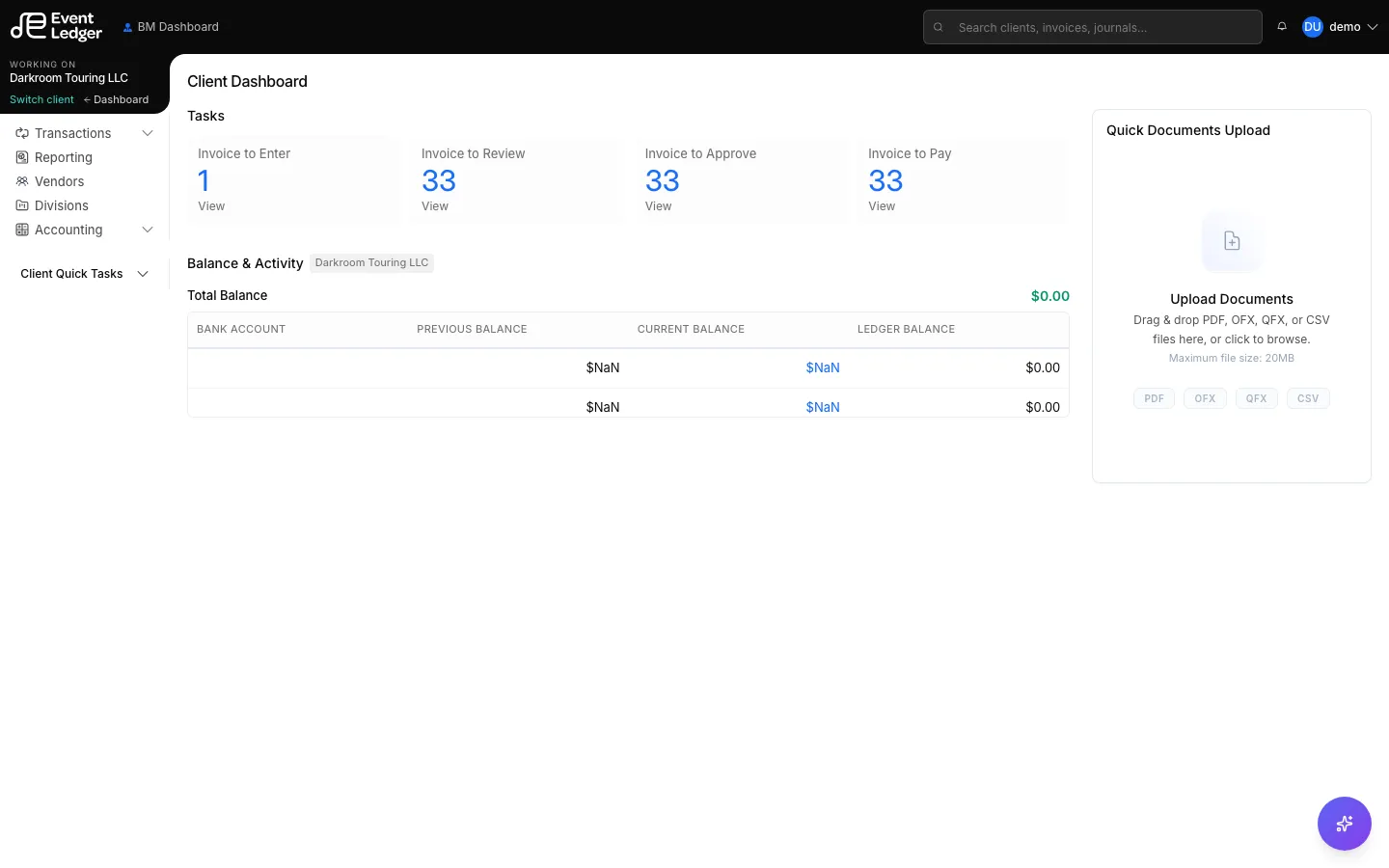
You can drop files on Client Dashboard and on the BM / AM / Bookkeeper dashboards.
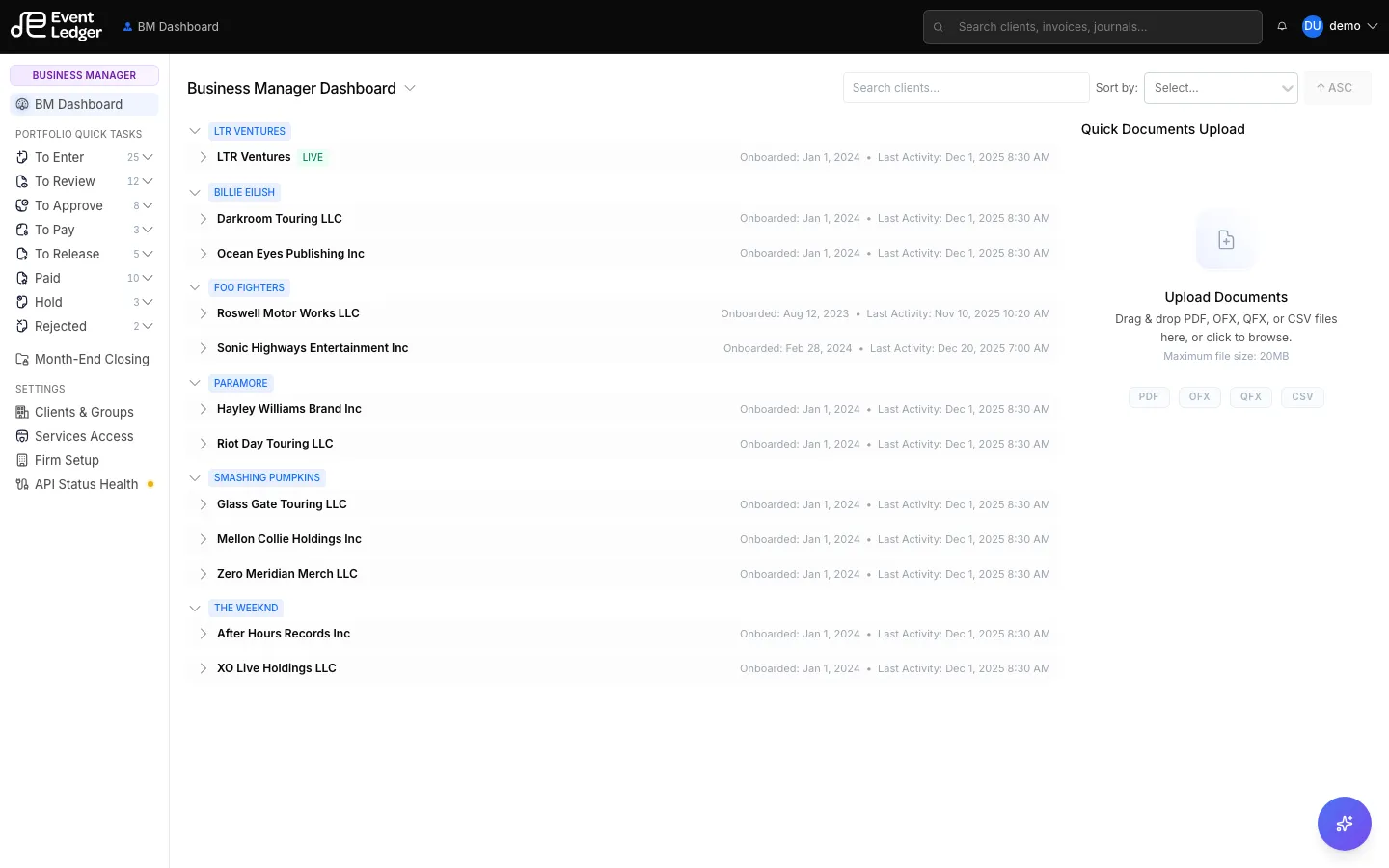
The drop zone is labeled Quick Documents Upload / Upload Documents. It accepts PDF, OFX, QFX, or CSV, up to 20 MB per file.
After the files land, categorize each one. You need a Document Type and a Description before you can finish the batch:
- Invoice — vendor bill to code
- Deposit — inbound settlement / deposit document
- Credit Card Statements
- Bank Statements
That puts the file in the matching To Enter list (Enter Invoice / Enter Deposit / credit-card import). EventLedger shows the PDF next to the coding form. It does not fill invoice fields for you — you still type vendor, dates, amount, and GL lines. See Upload an invoice and Enter and code an invoice.
Dedicated upload pages also exist:
- Transactions → Upload Invoice (PDF only, 5 MB)
- Deposits → Upload
- Credit card Import