

Users
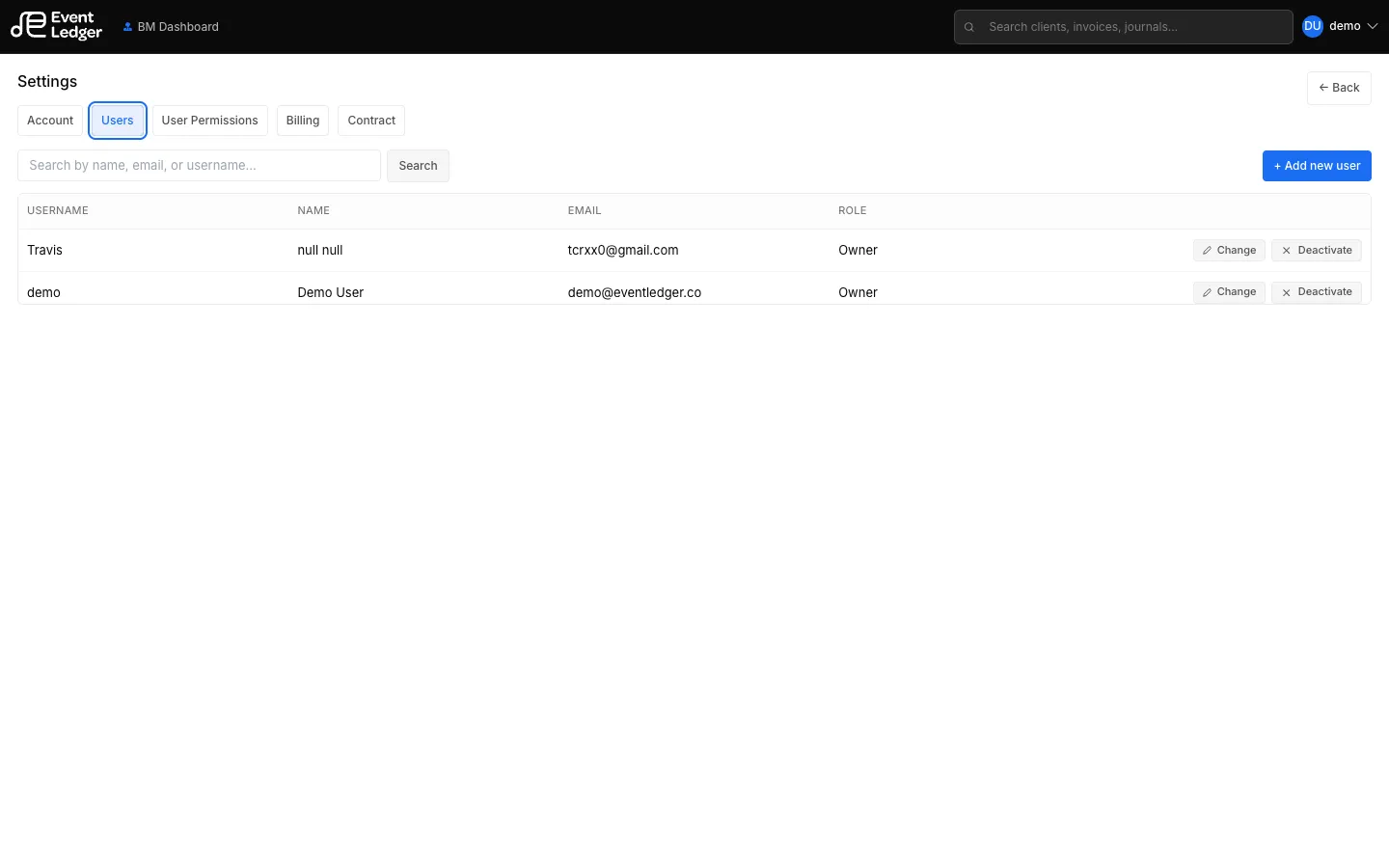
Settings → Users is Business Manager only.
You can:
- Add a user (email, name, role) — this now signs a seat addendum; see Seat addendums
- Assign them to clients that exist today (All Clients is a snapshot, not a living grant)
- Edit, deactivate, or delete
Deactivate also goes through a signed removal addendum and Event Ledger review. Instant add and instant deactivate are gone.
New clients are assigned from Add Client, not by an earlier All Clients check.
Roles you can pick: Assistant (Bookkeeper), Manager (Account Manager), Operations, Owner (Business Manager).
What each role can do: Roles. Per-client Approve / Void / Export is a separate matrix under User Permissions.