

Sign in
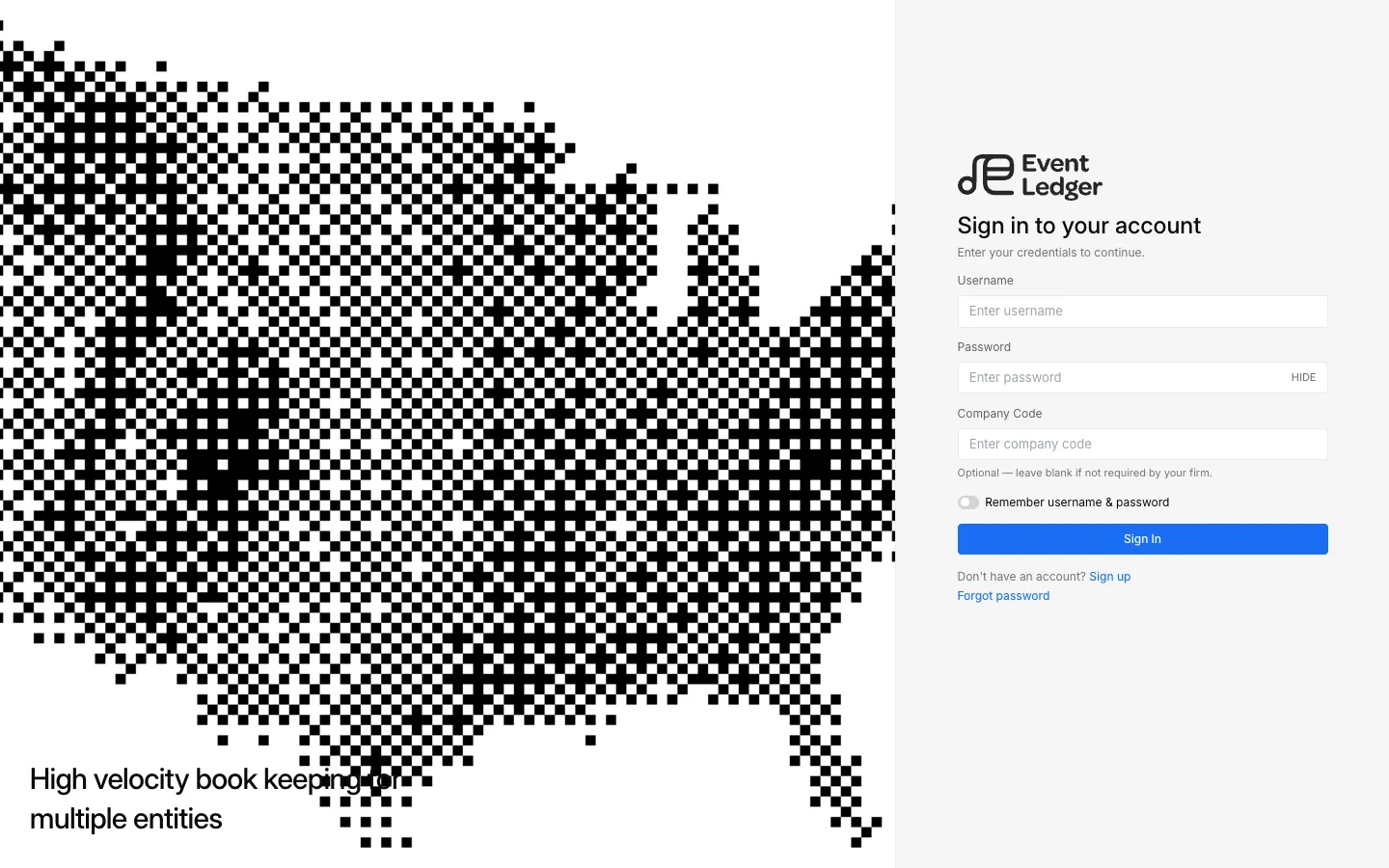
Go to app.eventledger.co and sign in with the username and password for your firm.
Company Code is optional. Leave it blank unless your firm has told you to use it.
New firms use Sign up instead — see Create a firm account.
Two-factor authentication
Section titled “Two-factor authentication”After the password, EventLedger may ask for a second factor. Options on the login screen:
- Text a code to the phone on your account — SMS 2FA
- Authenticator — scan a QR into Google Authenticator, then enter the 6-digit code. Authenticator 2FA
- Token — provisioned by an admin
You can also turn authenticator or SMS 2FA on in Settings → Account. During onboarding you can Skip for now.
Remember this device
Section titled “Remember this device”Use Remember username & password on the login form if you want this browser to keep your username.
Forgot password
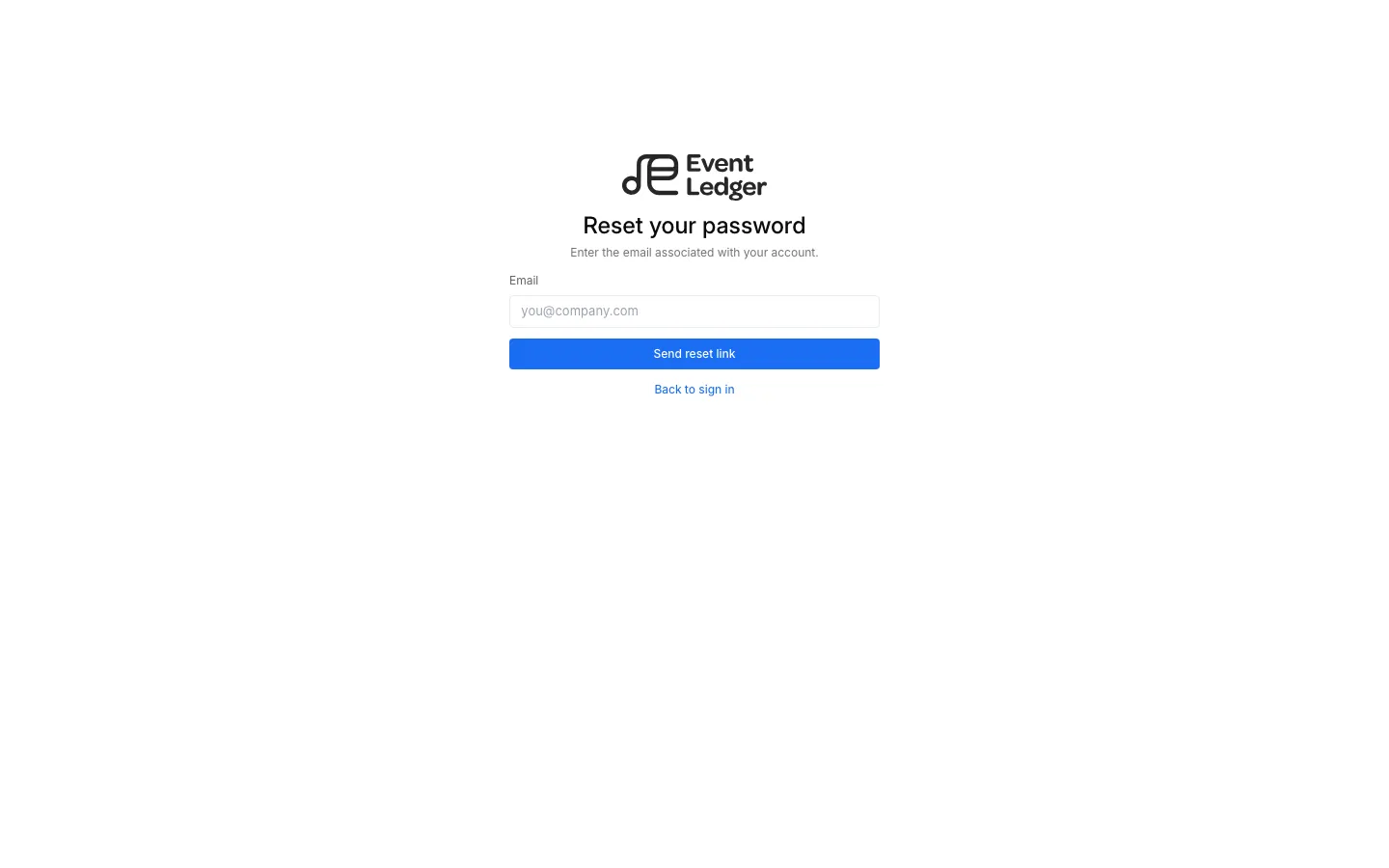
Section titled “Forgot password”Use Forgot password, enter the email on the account, then Send reset link. The screen confirms either way (“If that email is on file…”), so a mistyped address will not tell you whether the email exists. Follow the message to Reset password.
After you sign in
Section titled “After you sign in”- If the firm is not onboarded → Onboarding
- Else if you already have an active client → that client’s home
- Else → Select Client