

Set up your firm
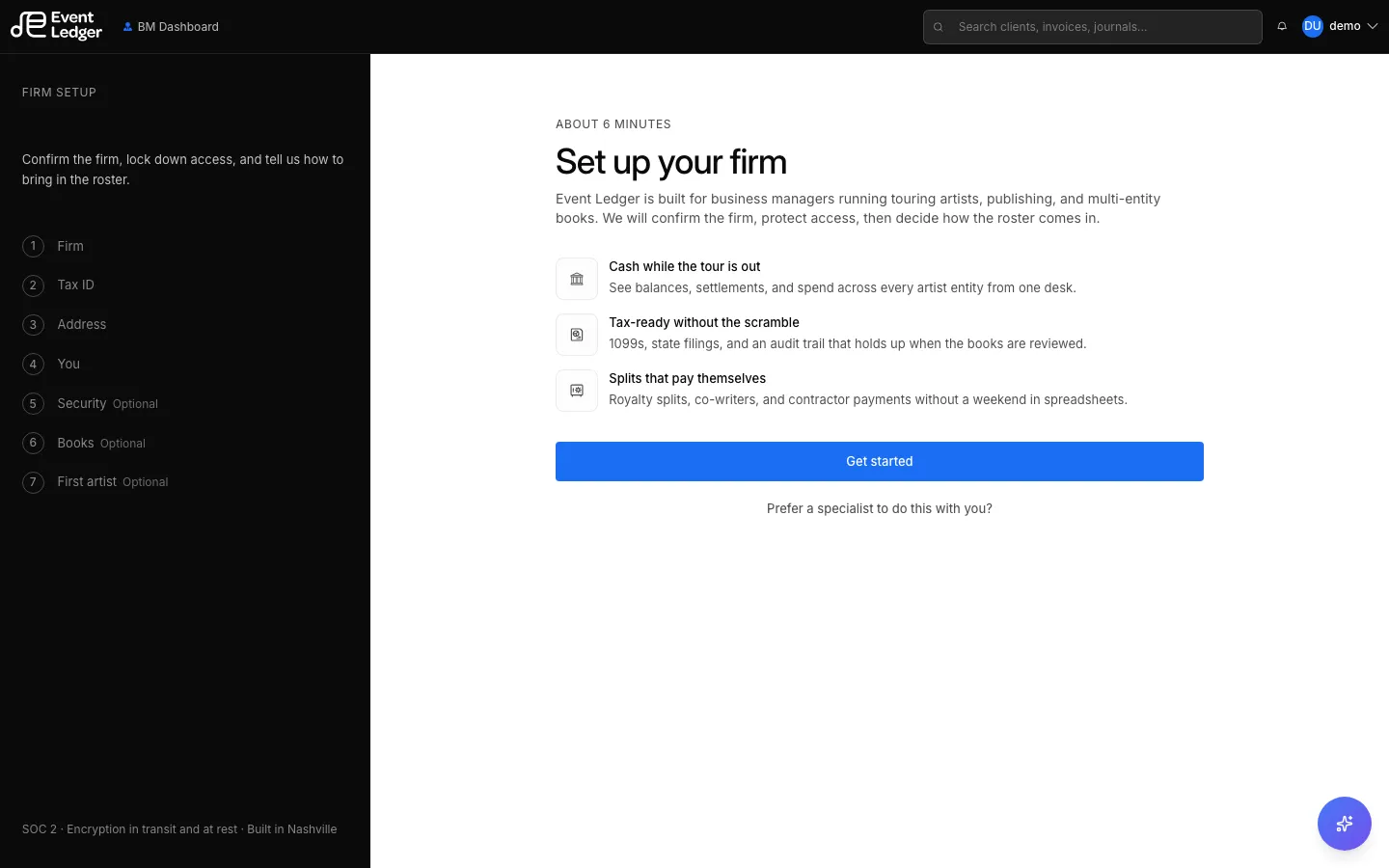
New firms go through Set up your firm before the rest of the app. The wizard is roughly six minutes.
- Welcome — what you will set up (cash, tax identity, artist roster).
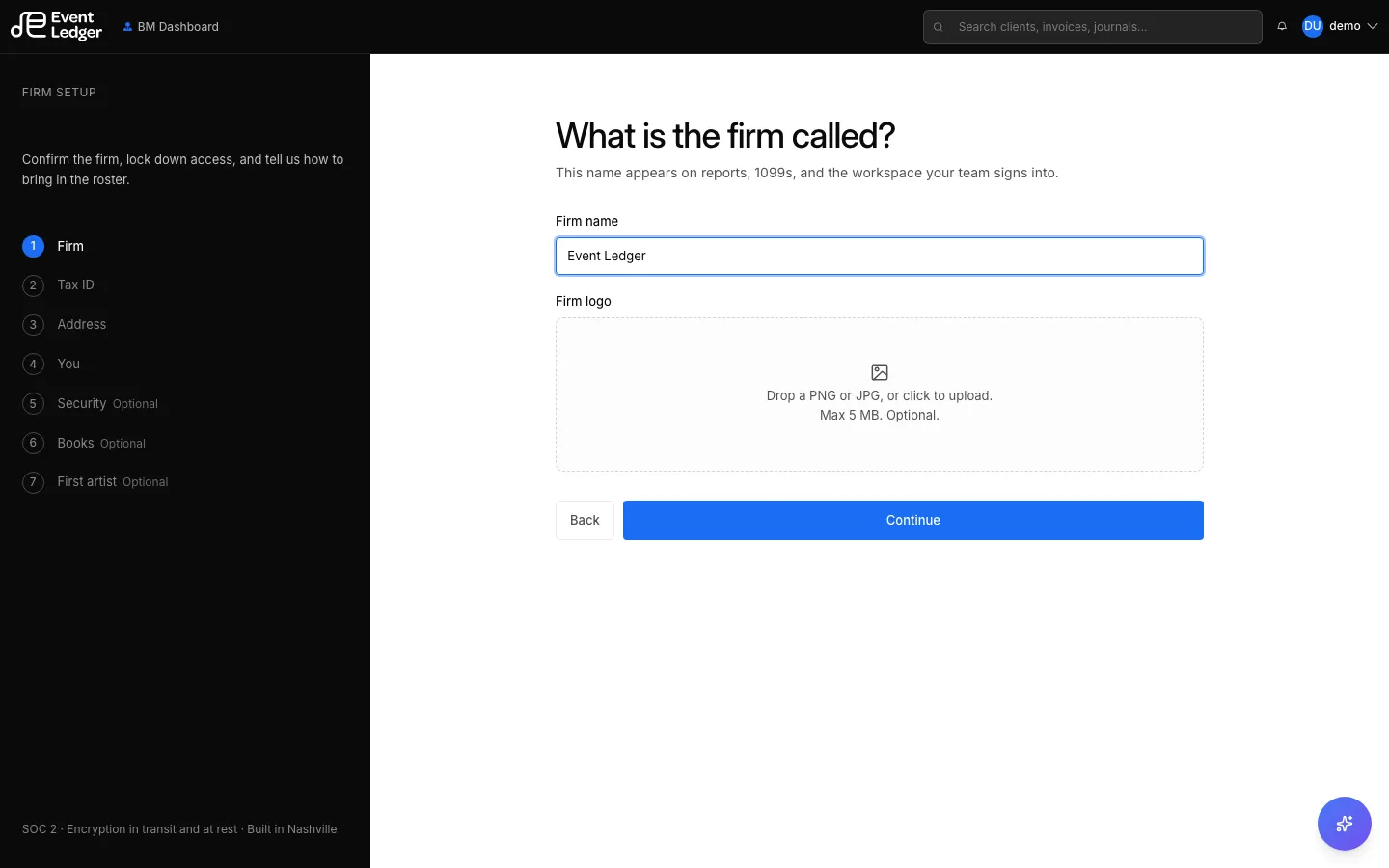
- Firm — firm name and optional logo.
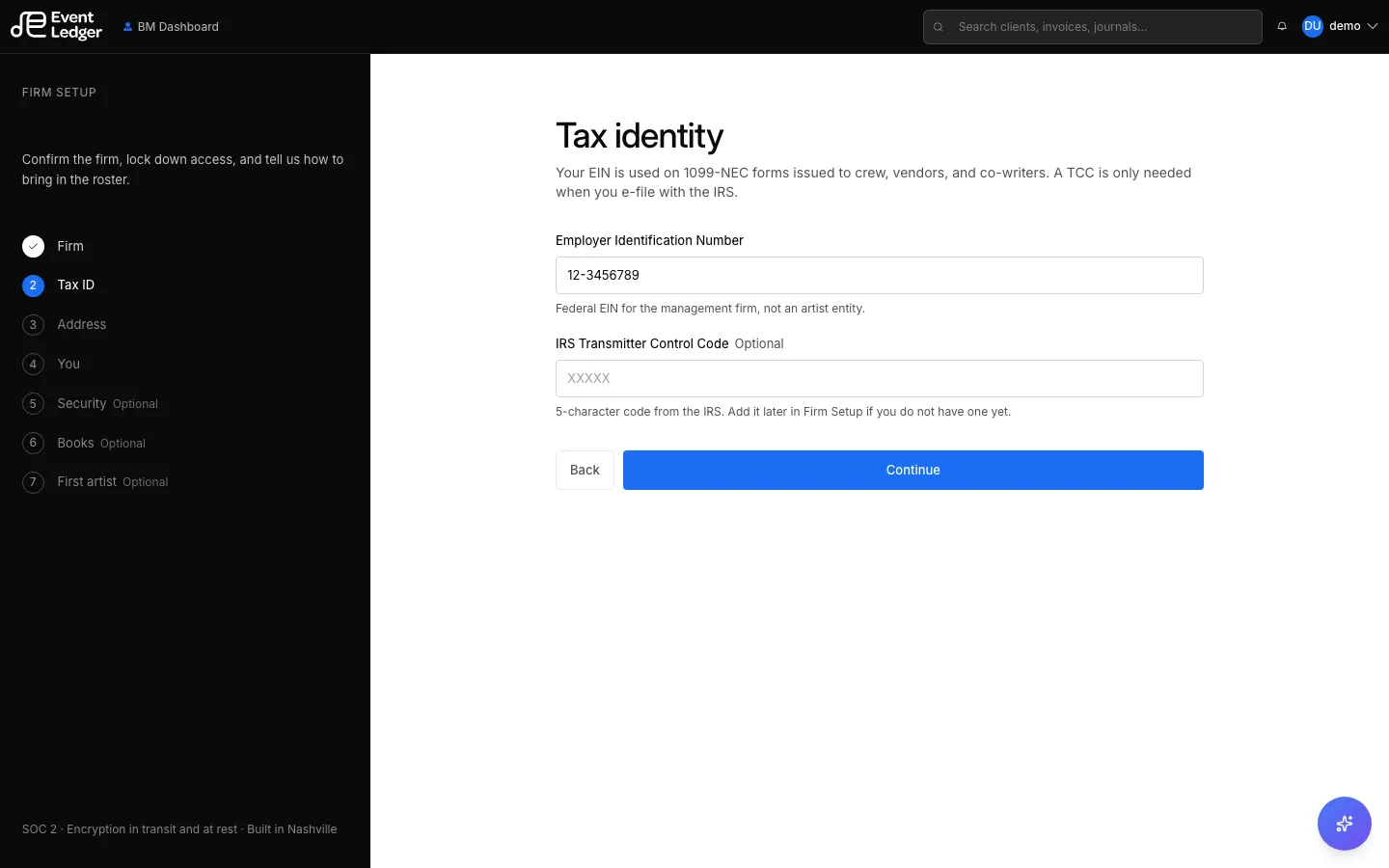
- Tax identity — EIN (required). Optional IRS TCC for 1099 filing later.
- Address — firm mailing address.
- Profile — first name, last name, phone (used for SMS two-factor and settlement-day contact).
- Protect the books — set up 2FA, or Skip for now.
- How are the books kept today? — QuickBooks, Xero, spreadsheets, another platform, or starting fresh. Optional checklist of reports to bring over (P&L, balance sheet, chart of accounts, vendors, bank, royalties).

- Add your first artist — artist name. Optional entity chips such as Touring LLC, Publishing, Production, Merch, Loan-out. Nothing is filed yet; this informs how the workspace is set up.
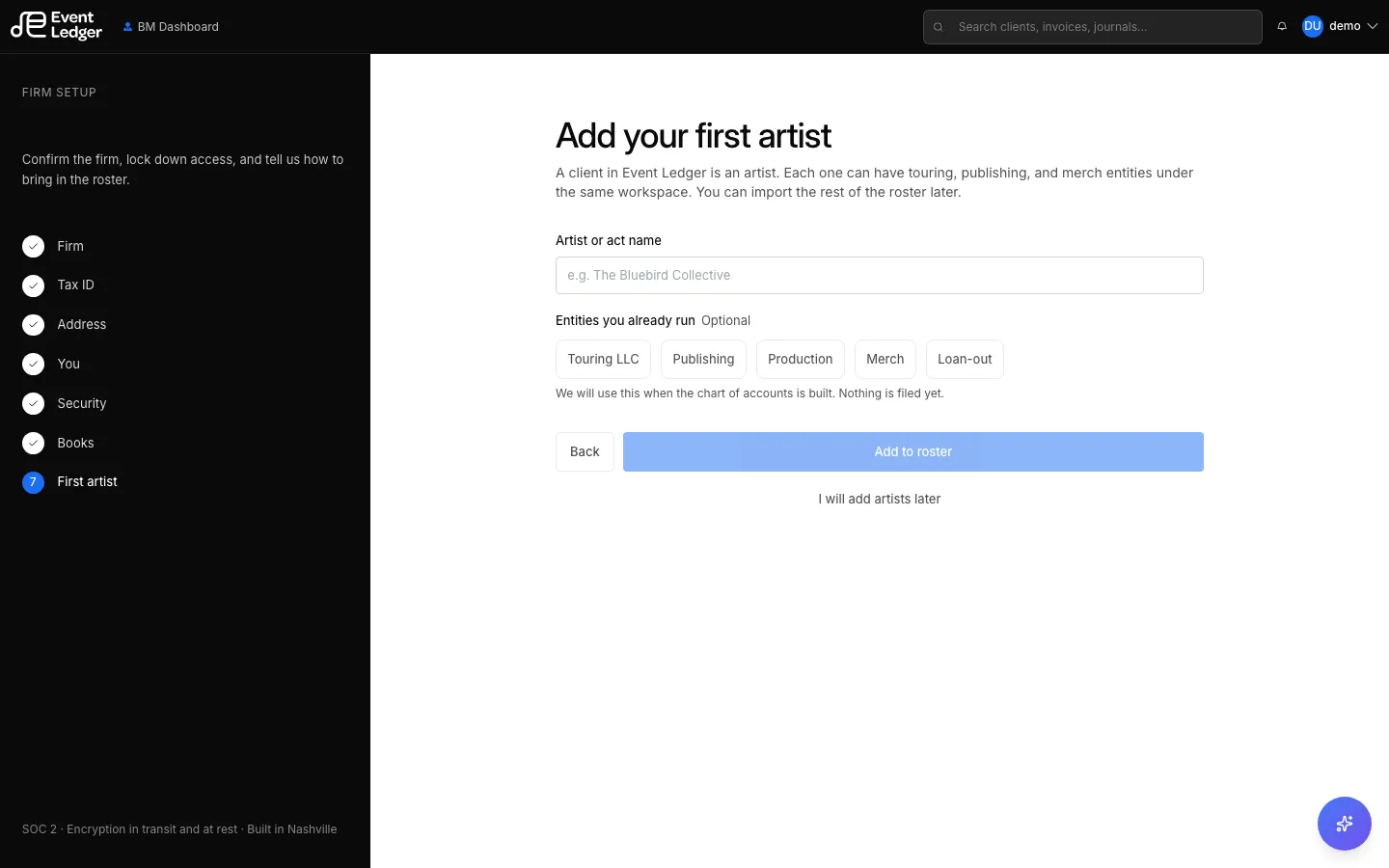
- Complete — creates the first client from that roster and finishes onboarding.
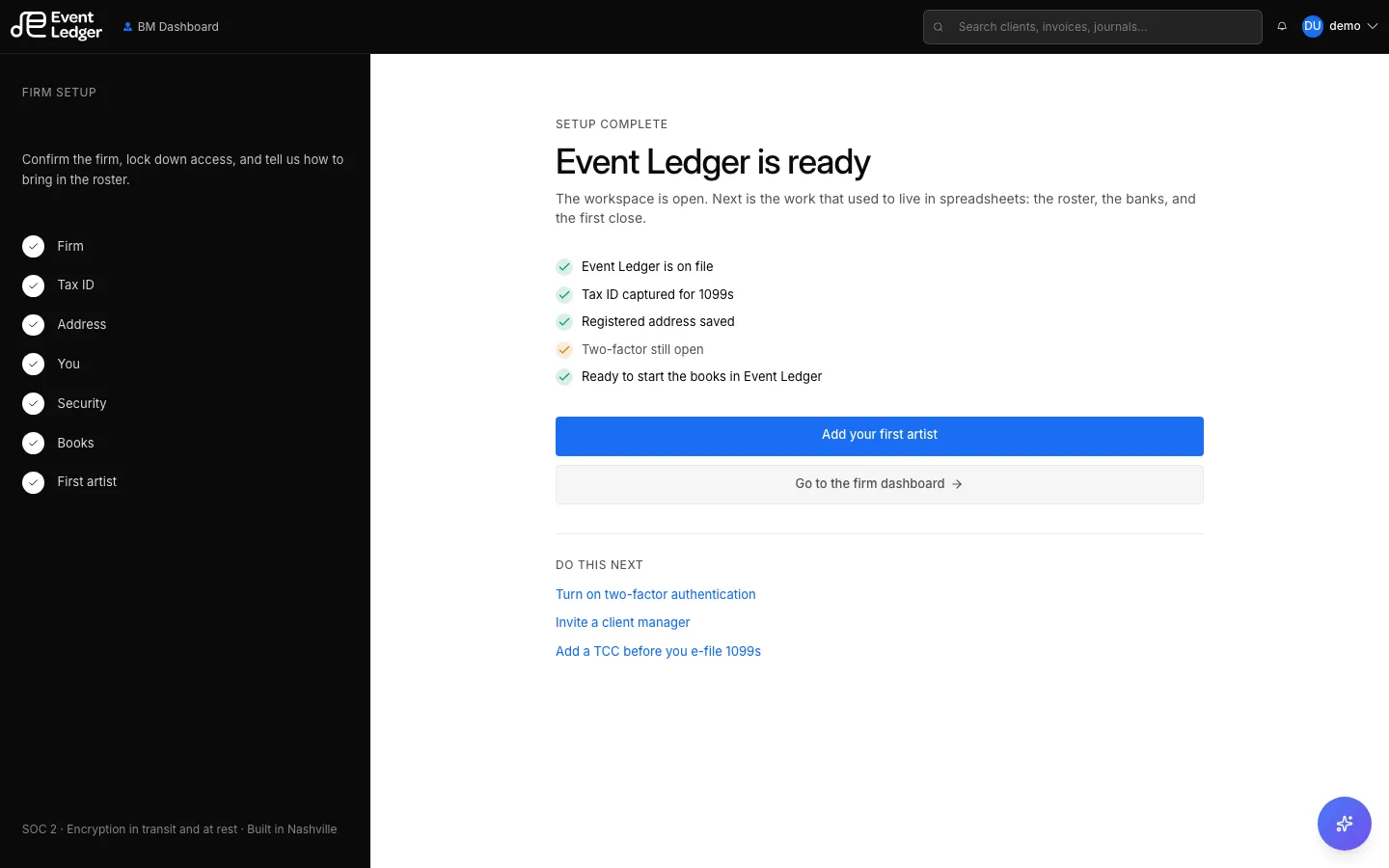
You can edit firm name, logo, TIN/TCC, and address later in Firm Setup.