

Select a client
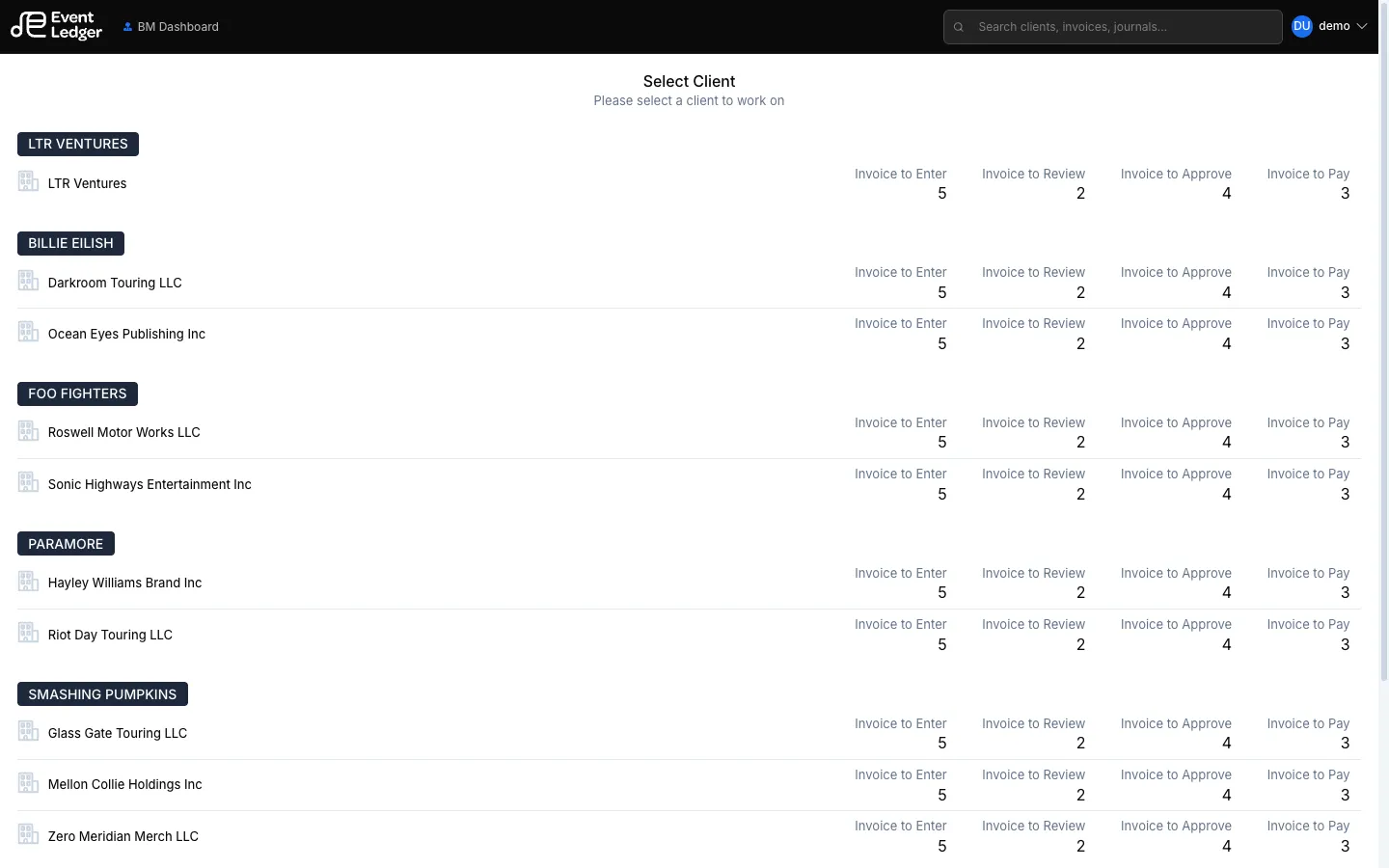
Select Client lists the clients (artists / entities) you can open. Clients may be grouped.
Pick a client to set it as the active workspace and go to Client Dashboard.
You can switch later from the left rail:
- Switch client — back to this picker
- Dashboard — back to your portfolio dashboard (BM, AM, or Bookkeeper)
You only see clients you have access to. Business Managers see the full firm roster.