

Enter and code an invoice
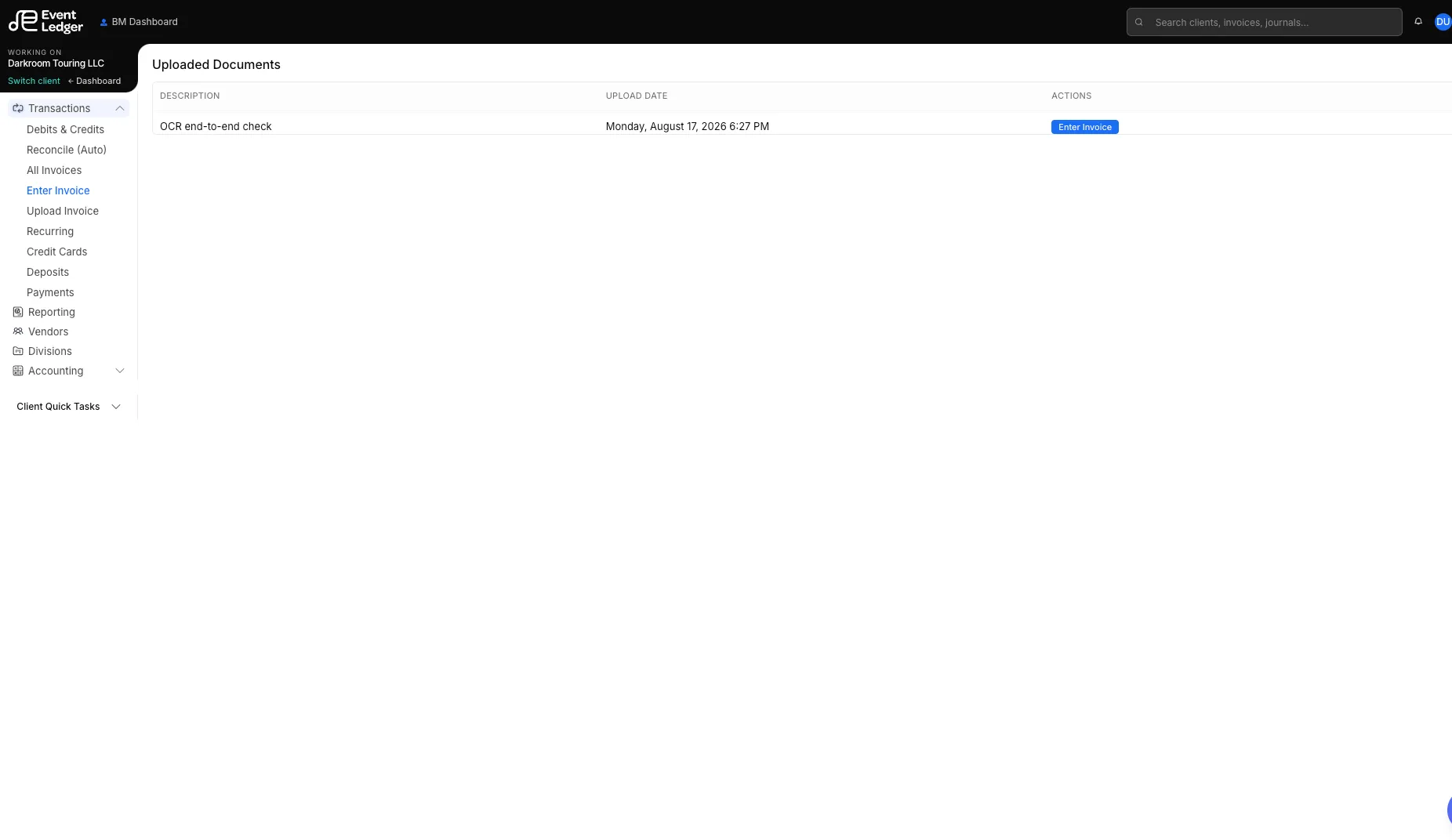
Transactions → Enter Invoice is titled Uploaded Documents. It lists invoice PDFs that have been uploaded and not yet coded. Open a row with Enter Invoice.
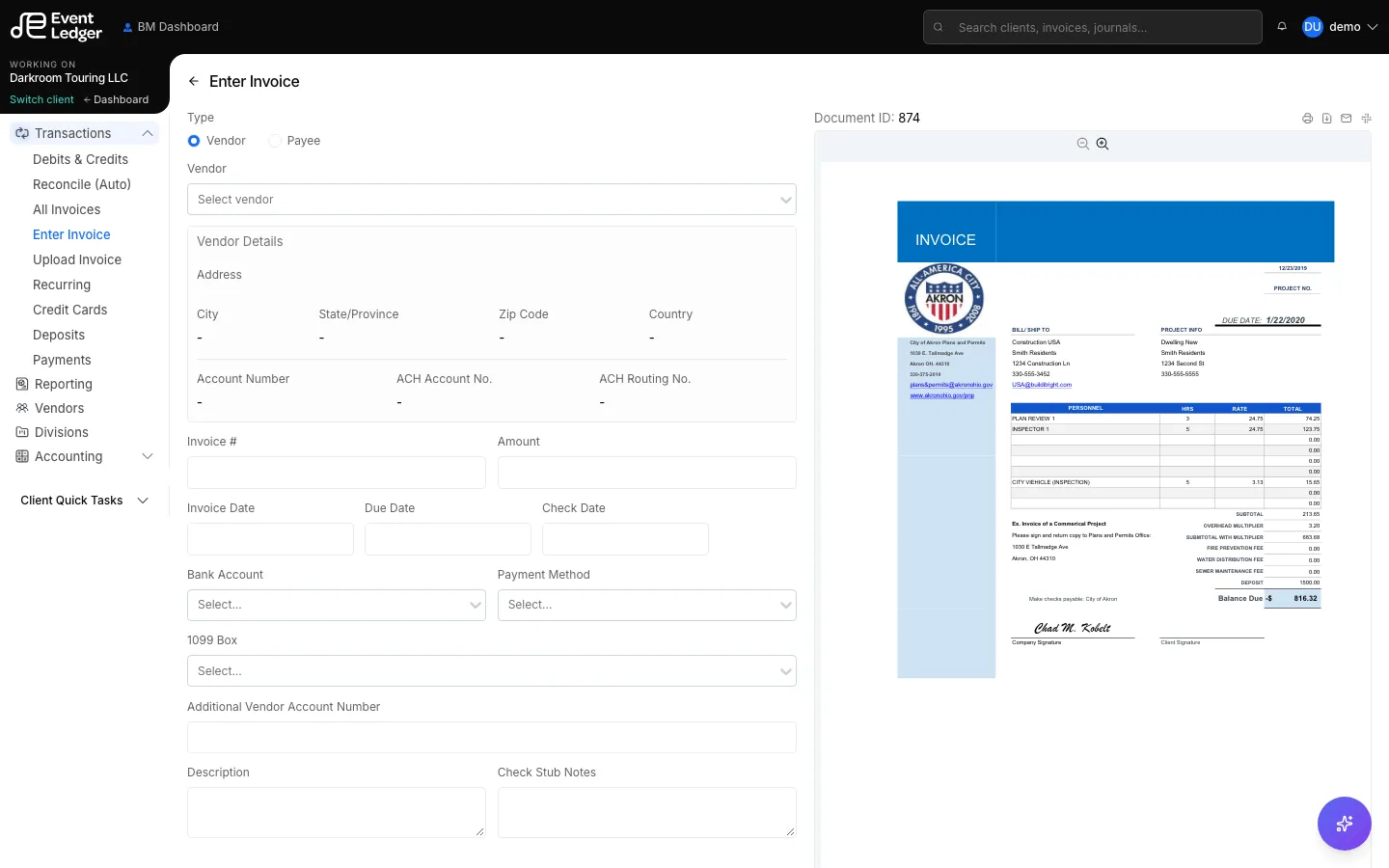
The PDF sits next to the form so you can read it. Fields start empty — EventLedger does not copy vendor, dates, or amounts out of the PDF for you.
What to fill in
Section titled “What to fill in”- Vendor — pick from the client’s vendor list, or quick-add. Duplicate names are checked.
- Invoice number, invoice date, due date, optional check date
- Amount and GL lines (account, amount, optional division)
- 1099 form / box when this payee should appear on 1099 reports
- Description and check-stub notes
- Payment method (informational on the form): Automatic Debit, Check, or International Wire
Payment method is how you intend the client’s bank to pay. Saving it does not originate that payment.
Recurring
Section titled “Recurring”Turn on Recurring to create a template (weekly / monthly / yearly). See Recurring invoices.
After you save
Section titled “After you save”The invoice enters To Review (unless your firm’s workflow lands it elsewhere). Print is available from the invoice screen.