

Client Dashboard
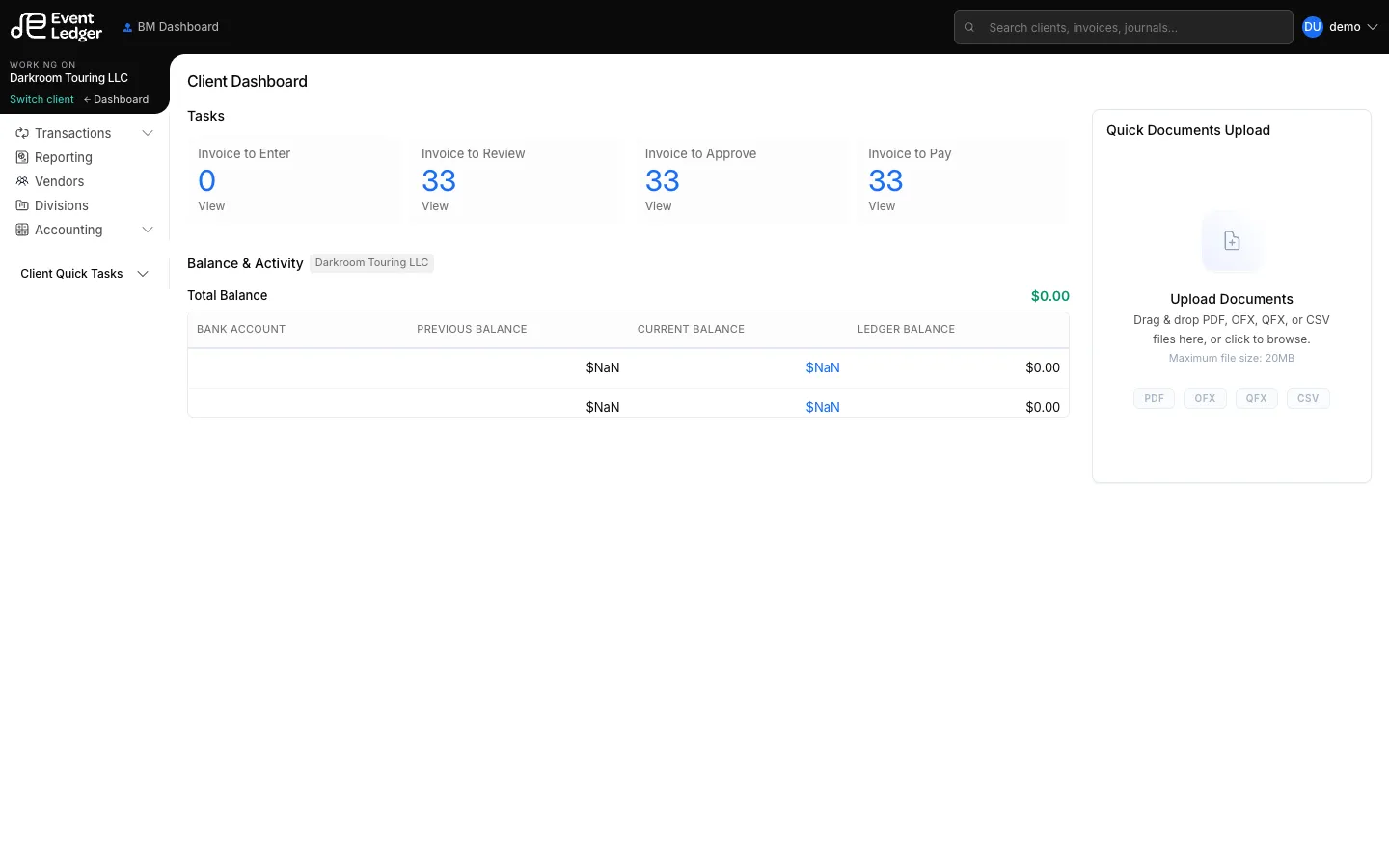
Client Dashboard is the landing page after you open a client.
Typical blocks:
- Task counts for invoices to enter, review, approve, or pay
- Balance and recent activity
- Mass upload — Quick Documents Upload on the right. Drop PDF / CSV / OFX / QFX (20 MB), then categorize. See Upload documents.
Use the left rail to go deeper (All Invoices, Debits & Credits, Reporting, and so on).
Coverage Mode may appear if you opened a client you are not assigned to. Treat that as a warning, not a full access grant — the server still enforces Access.