

Find your way around
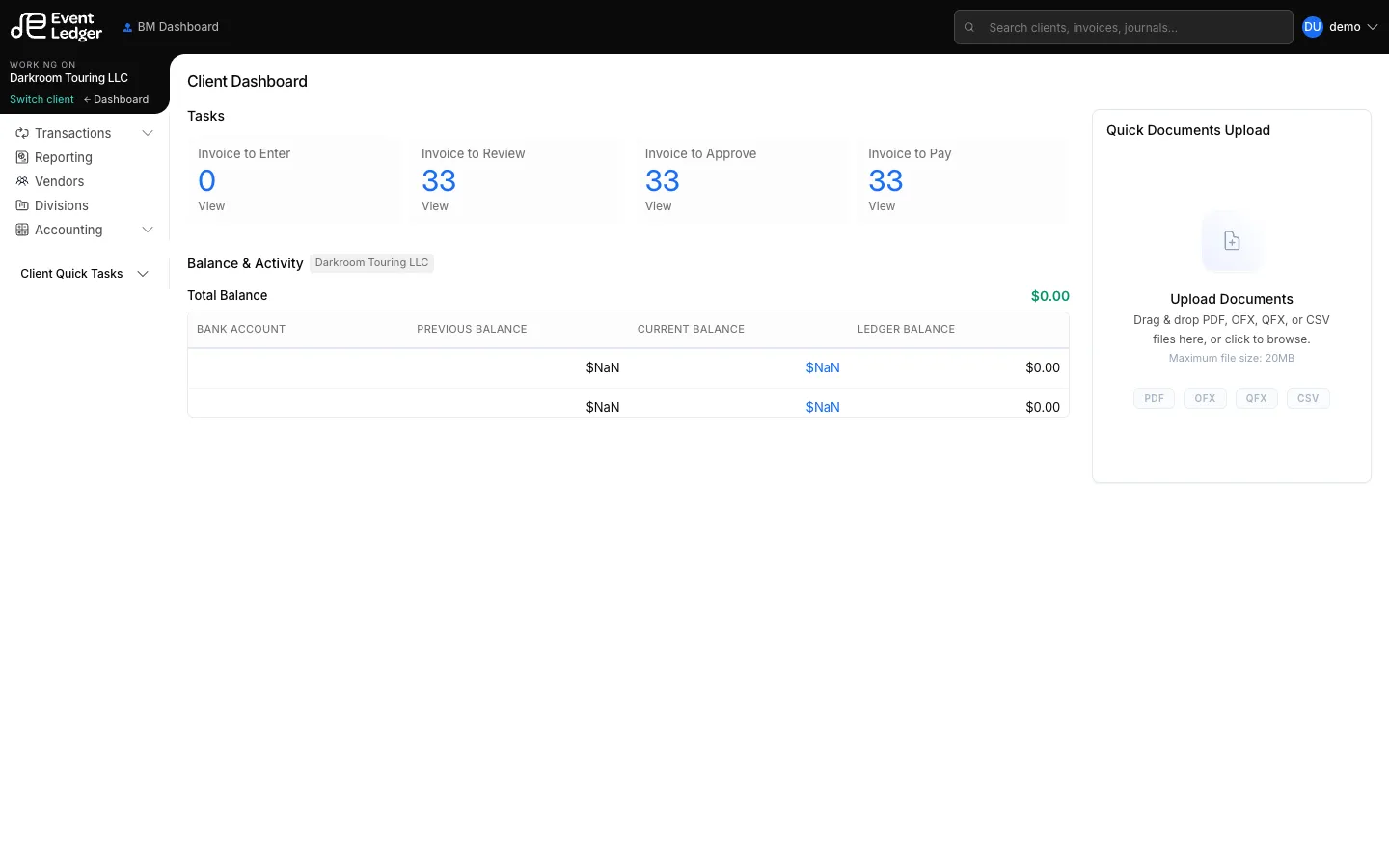
EventLedger has two layouts.
Portfolio (firm)
Section titled “Portfolio (firm)”Business Managers, Account Managers, and Bookkeepers each have a dashboard and Portfolio Quick Tasks (To Enter, To Review, and so on). That is work across every client you can access.
BM also has firm items: Month-End Closing, Clients & Groups, Firm Setup, API Status Health, Services Access.
Client workspace
Section titled “Client workspace”Once you open a client, the rail shows Working on plus that client’s books:
Transactions
- Debits & Credits
- Reconcile (Auto)
- All Invoices
- Enter Invoice
- Upload Invoice
- Recurring
- Credit Cards
- Deposits
- Payments
Then Reporting, Vendors, Divisions, and Accounting (journals, GL accounts, 1099, manage banks).
Switch without losing your place
Section titled “Switch without losing your place”- Switch client — pick a different artist
- Dashboard — return to BM / AM / BK dashboard
- Settings (top bar) — account, users, billing (no left nav)
Star items in the rail to pin up to five favorites in the top bar.