

SMS 2FA
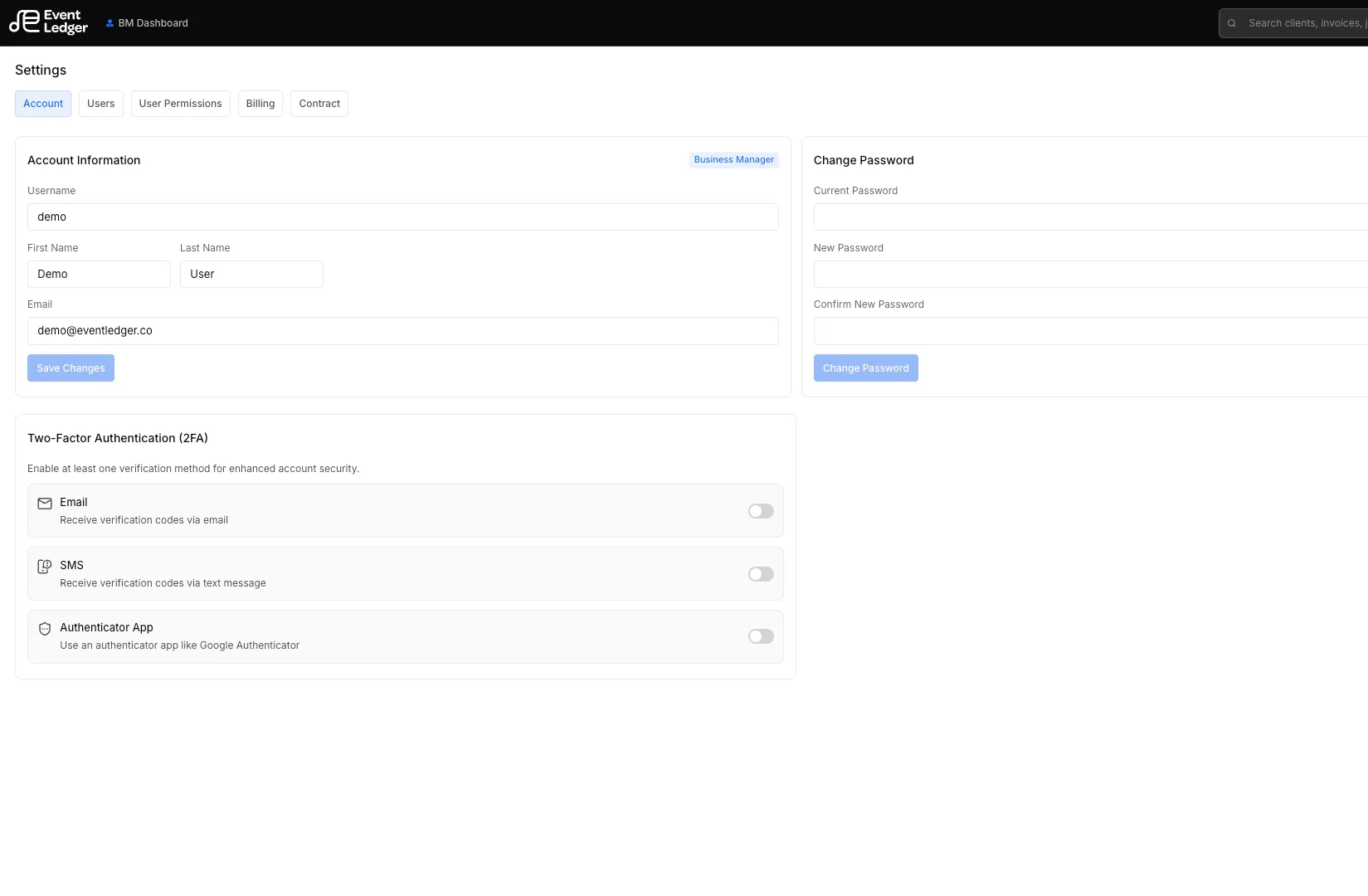
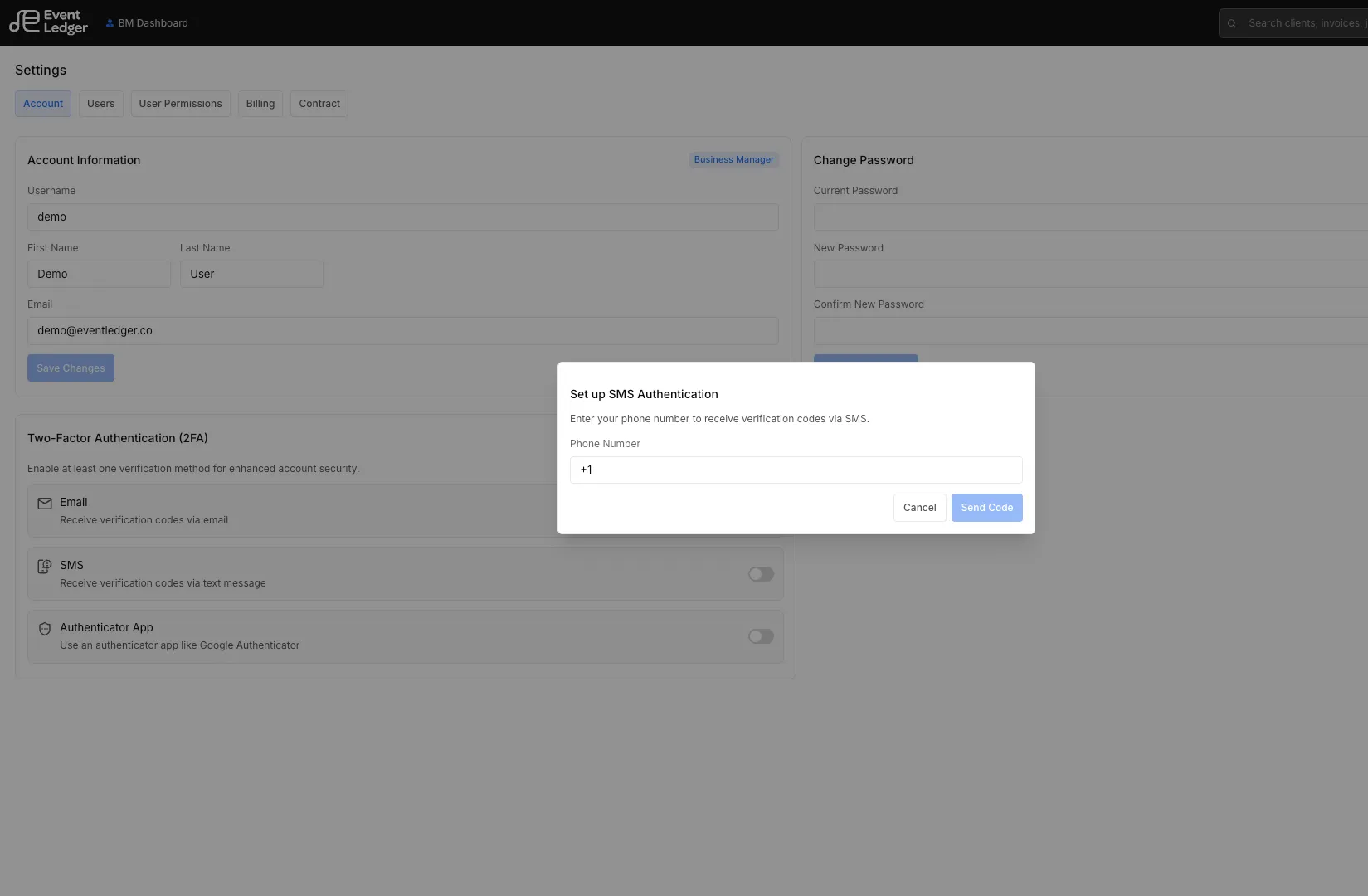
SMS login uses the phone number on your user profile. Add or update it in Settings → Account (and during onboarding). EventLedger texts a 6-digit code to that number. It does not use a pooled or EventLedger-owned phone.
Sign in with a text
Section titled “Sign in with a text”After your password, EventLedger shows the two-factor picker if 2FA is on for your account.
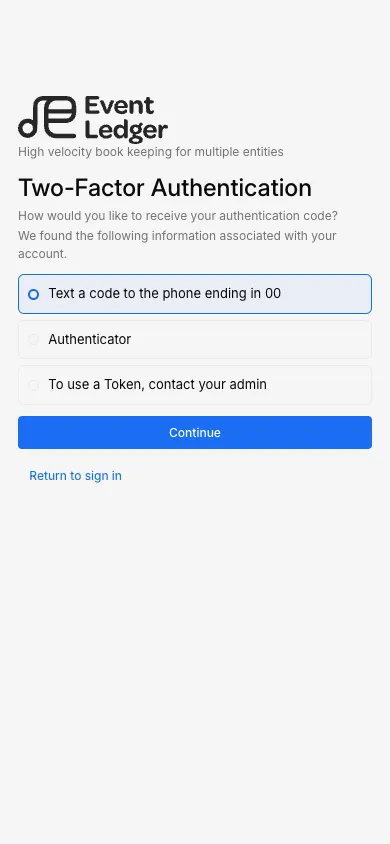
- Choose Text a code to the phone ending in XX.
- Continue — the code is sent to that number.
- Enter the 6-digit code. Use Resend if it does not arrive.
If SMS is not offered
Section titled “If SMS is not offered”- There is no phone on the account, or it is not a US number EventLedger can text.
- Use Authenticator 2FA instead.
See also Sign in.